noir pdf
PRODUCT CAPABILITIES

Complete PDF work
in one workspace.

Move from page correction to final delivery with consistent controls, document tabs and local processing across the Noir PDF desktop application.

EDITORGANISEOCRSIGNPROTECTDELIVER
WORKFLOW COVERAGE

Tools organised around
the work you perform.

Open a focused tool when required, return to the document without losing page position, and keep separate documents in their own tabs.

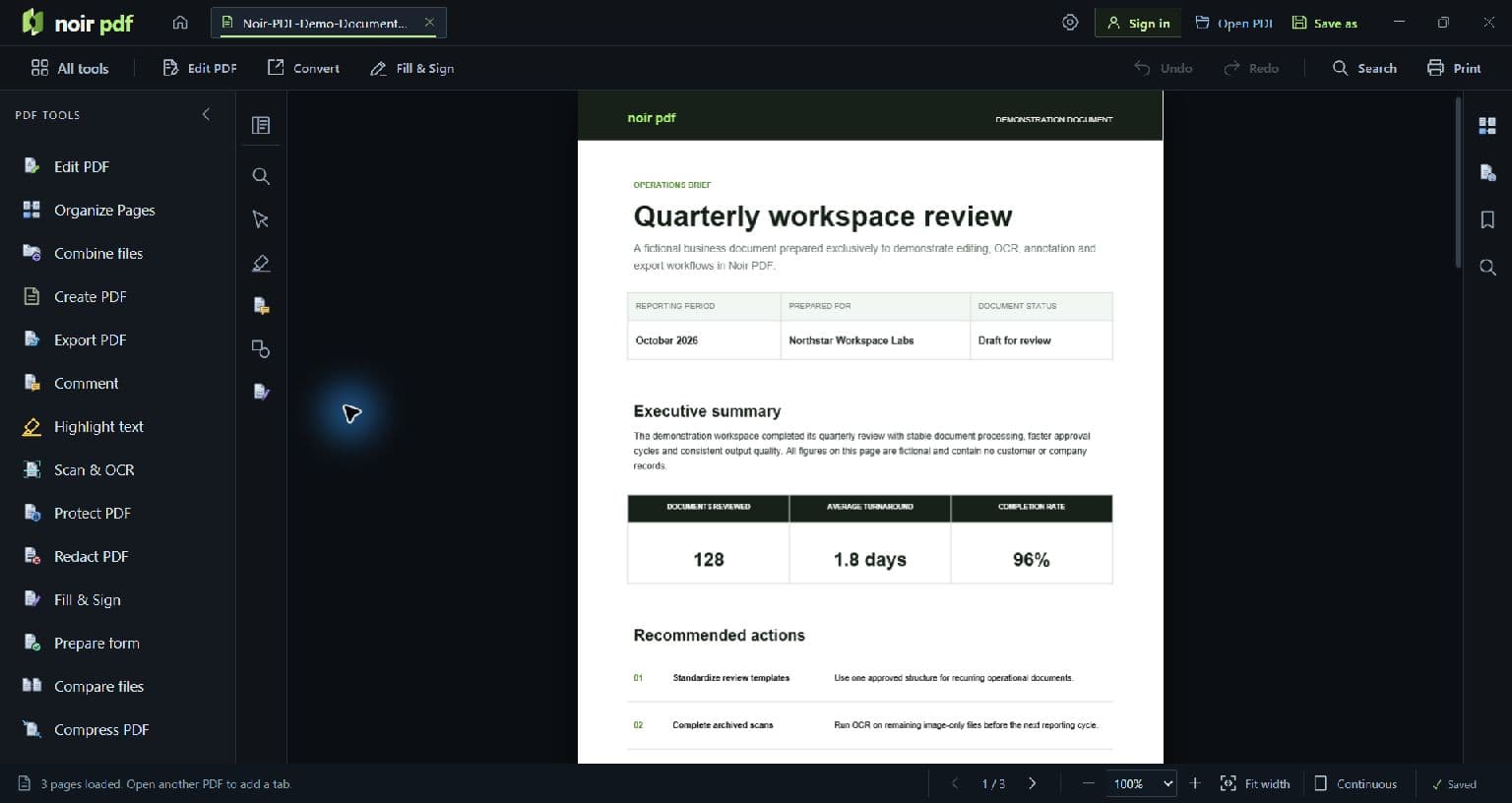
Editing tools in Noir PDF
01Edit & reviewDirect access to editing and annotation tools
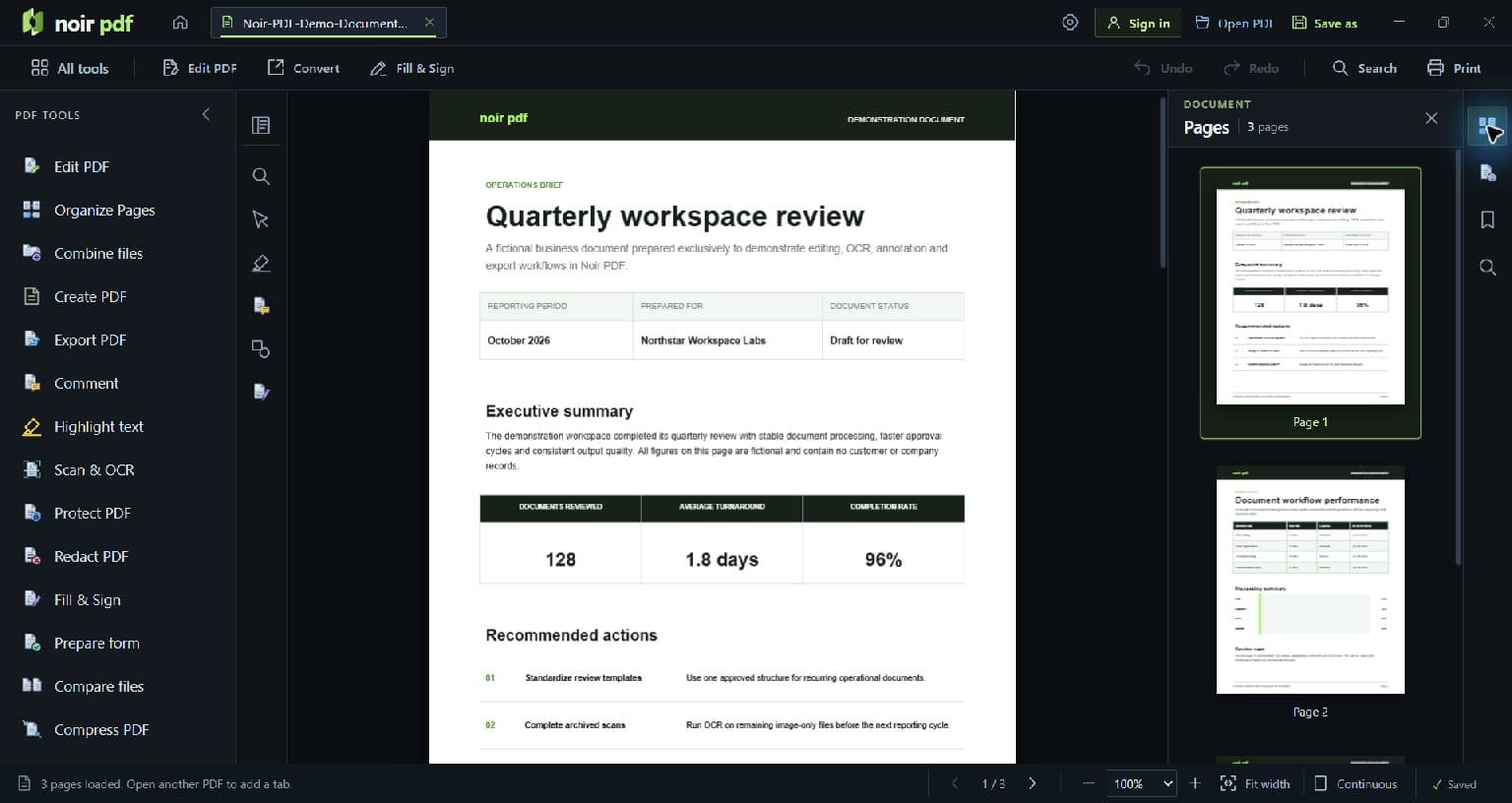
Page thumbnails in Noir PDF
02Organize pagesVisual page thumbnails and structure controls
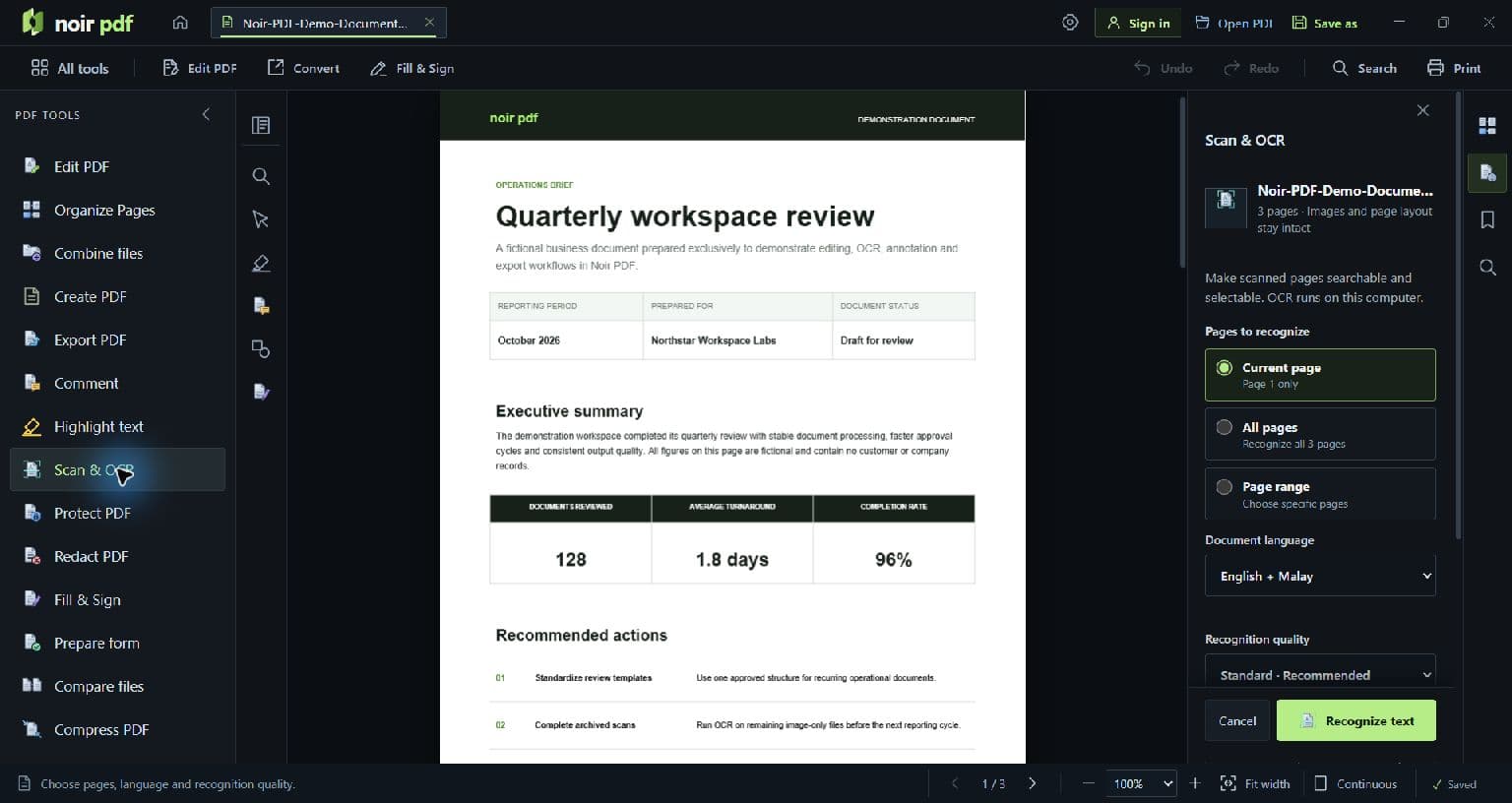
Offline OCR in Noir PDF
03Offline OCRLanguage, page range and recognition controls
01

Edit and review

Work with page content while retaining control over layout and output.

Edit PDF

Correct text, format selected content, add images and place new objects.

Comment & highlight

Add review comments, highlights, stamps, links and bookmarks.

Fill & Sign

Complete PDF fields, add visual signatures and flatten final output.

Search & replace

Review occurrences across the current page or the complete document.

02

Pages and creation

Restructure documents visually and create new PDF output from common sources.

Organize Pages

Reorder, rotate, duplicate, extract, split, delete and crop pages.

Combine files

Merge PDFs and supported source files into one ordered document.

Create PDF

Build blank documents or convert PNG and JPEG images into PDF pages.

Prepare form

Create text fields and checkboxes, then fill or flatten form content.

03

OCR and output

Turn scanned pages into searchable information and deliver the required format.

Scan & OCR

Recognise English, Malay or both with page-range and quality controls.

Export PDF

Export PDF, PNG, JPEG, TXT, DOCX, XLSX and PPTX output.

Compare files

Compare document text and rendered page appearance side by side.

Compress PDF

Clean and optimise document streams with selectable quality settings.

04

Protection and automation

Prepare repeatable, controlled output for operational document workflows.

Protect PDF

Apply AES-256 passwords, restrict copying or printing and clean metadata.

Redact PDF

Remove selected areas or review detected sensitive information before applying.

Batch process

Chain OCR, compression, watermarking, cleanup and protection across files.

Document health

Check common document, form, metadata and page-structure issues.

NEXT STEP

Review security and deployment.

See how local document processing works with managed user, device and release controls.

Open security overview →